
Photo et OCR
A photo saves you copying all the details. You can edit the recognised information before confirming.
LIBRARY LOANS
Photograph the cover or the book’s details. OCR identifies useful information — title, author or ISBN — to prepare a record that you check before saving.
Discover Eden Family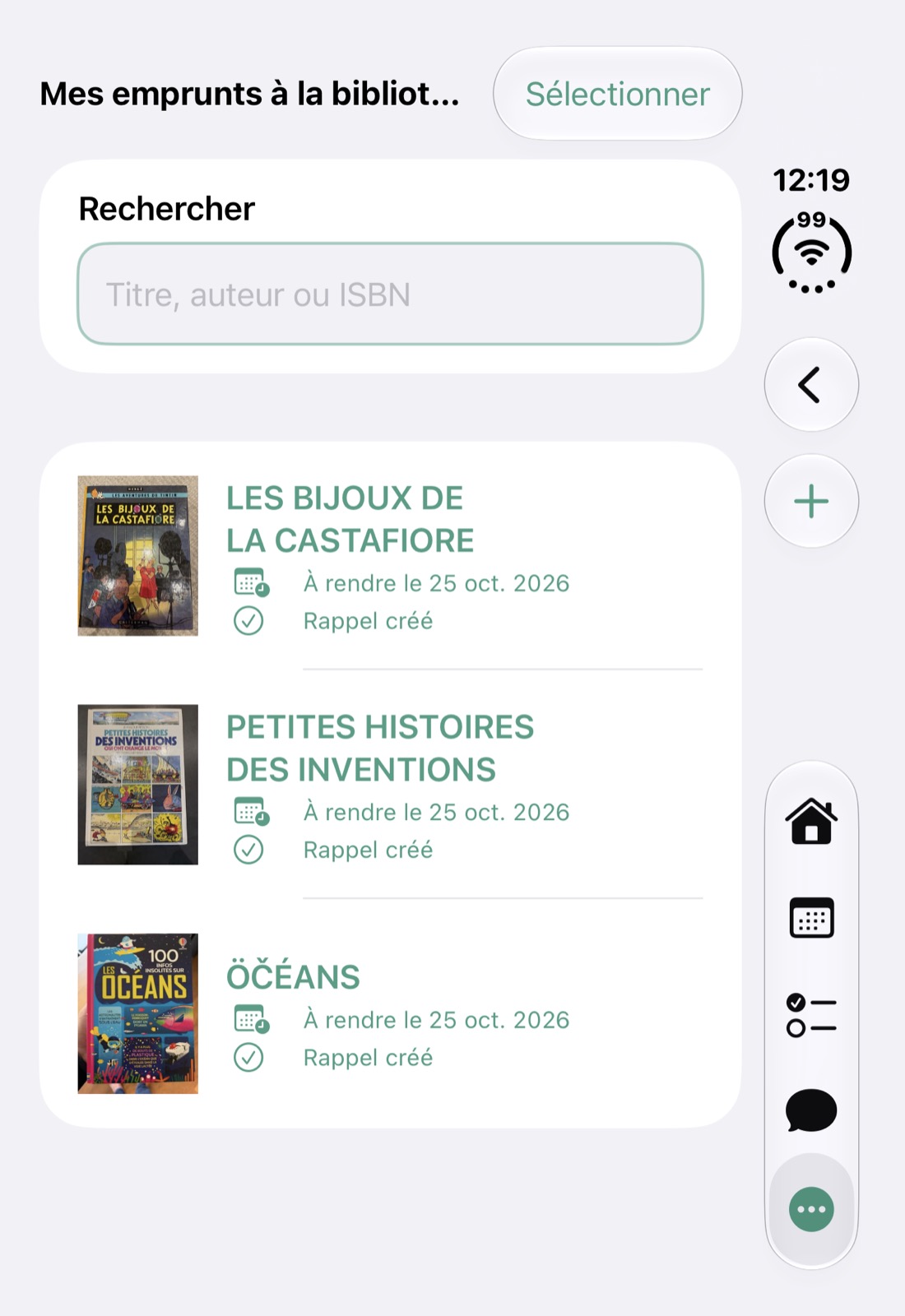
A photo saves you copying all the details. You can edit the recognised information before confirming.
Each loan has a return date and, if you wish, a reminder.
Parents and children can find the right books without searching for library slips or messages.
UN PARCOURS SIMPLE
OCR speeds up entry without making decisions for you. Check the suggested information, complete your library and choose the date your family needs.
AU QUOTIDIEN
View all your loans together in one shared family overview.
You can complete or correct the record manually if recognition is not sufficient.
The reminder appears at the right time among the family’s useful information.
Covers help everyone quickly recognise the right book.
FREQUENTLY ASKED QUESTIONS
Yes. That is why recognised information is offered for you to check before saving.
No. Only the book or its information page is needed to create the record.
Yes. Taking a photo is a shortcut, not a requirement.
You choose the date and whether to enable a reminder to match the actual loan.
ET PLUS ENCORE